
A laboratory contacted us because its nightly database pack had stopped working. SENAITE itself ran normally. Users logged in, registered samples, entered results and published reports. Nothing in the user interface hinted at a problem.
Underneath, the database had been growing for months. The pack
failed every night with an EOFError. The cause was a single
truncated record, most likely written when a restart interrupted a
write. A pack has to read every record that is still referenced,
and this one could not be read, so the whole pack aborted. Every
night, the database kept everything it should have discarded.
Once we knew what we were looking for, the repair was short: find the record, repair the reference, run the pack. The file shrank back to its real size the same night, without data loss. What we could not give back was the months in which the failure went unnoticed.
That is the gap proactive monitoring closes.
Why “is the site up” is not enough
The usual monitoring watches the surface: does the HTTP endpoint answer, is the disk below 90 percent. For a LIMS that tells you little. SENAITE keeps its data in an object database that is maintained by a few quiet jobs nobody sees succeed. The questions worth asking every day are about those jobs:
- Did last night’s backup run, and is it plausible? Not only whether a file exists, but whether it is recent, whether its size is in line with the previous one, and whether it sits on a different disk than the database.
- Did the pack run? And does the database shrink after it, or does it only ever grow?
- Is the database consistent? A broken record is invisible until something has to read it.
- Are users getting errors they do not report? Conflict errors that exhaust their retries, tracebacks that never appeared before.
- Is anything drifting? Response times of single views, disk growth between packs, kernel messages about memory or I/O.
If you only check whether SENAITE answers, you learn about a problem on the day it causes an outage. If you check the five questions above, you learn about it the night it starts.
HealthWatch
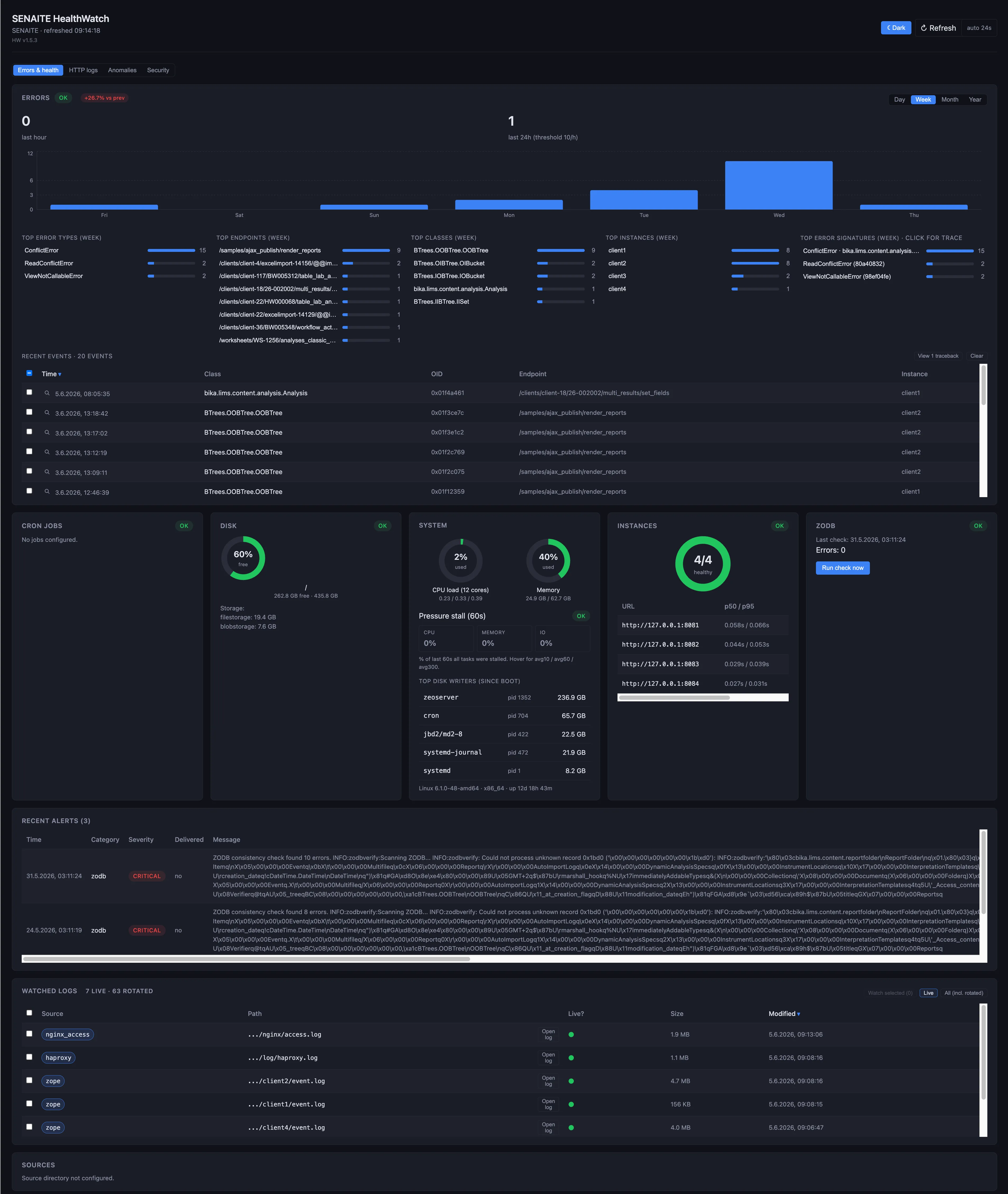
We built HealthWatch because we needed exactly this for the installations we look after. It runs next to SENAITE on the same host, as a separate process outside the application, so a stuck instance cannot take the monitor down with it. It reads what the installation already produces: the instance logs, the nginx and HAProxy logs, the log of the ASTM instrument interface, the kernel log. It shows the result on a dashboard and sends alerts by email or to Zabbix.
Database and jobs
- Consistency. HealthWatch runs
zodbverifyagainst the database, weekly by default, and counts the errors in its output. That last part matters if you script this yourself:zodbverifydoes not return an error code when it finds damaged records, so a check that only looks at the exit status always passes. TheEOFErrorfrom the case above is one of the strings it looks for. - Scheduled jobs. Backup and pack report to HealthWatch when they finish, with a single HTTP call at the end of the cron job. If the report does not arrive within the expected interval plus a grace period, HealthWatch raises an alert. A job that silently stopped running is caught on the next morning, not by accident months later.
- Backups. Beyond freshness, HealthWatch compares the size of the newest backup with the previous one and warns when the backup directory is on the same device as the database.
- Storage. Free disk space, and the size of the database and the attachment store, sampled every hour so that growth between packs is visible as a trend.
Instances and requests
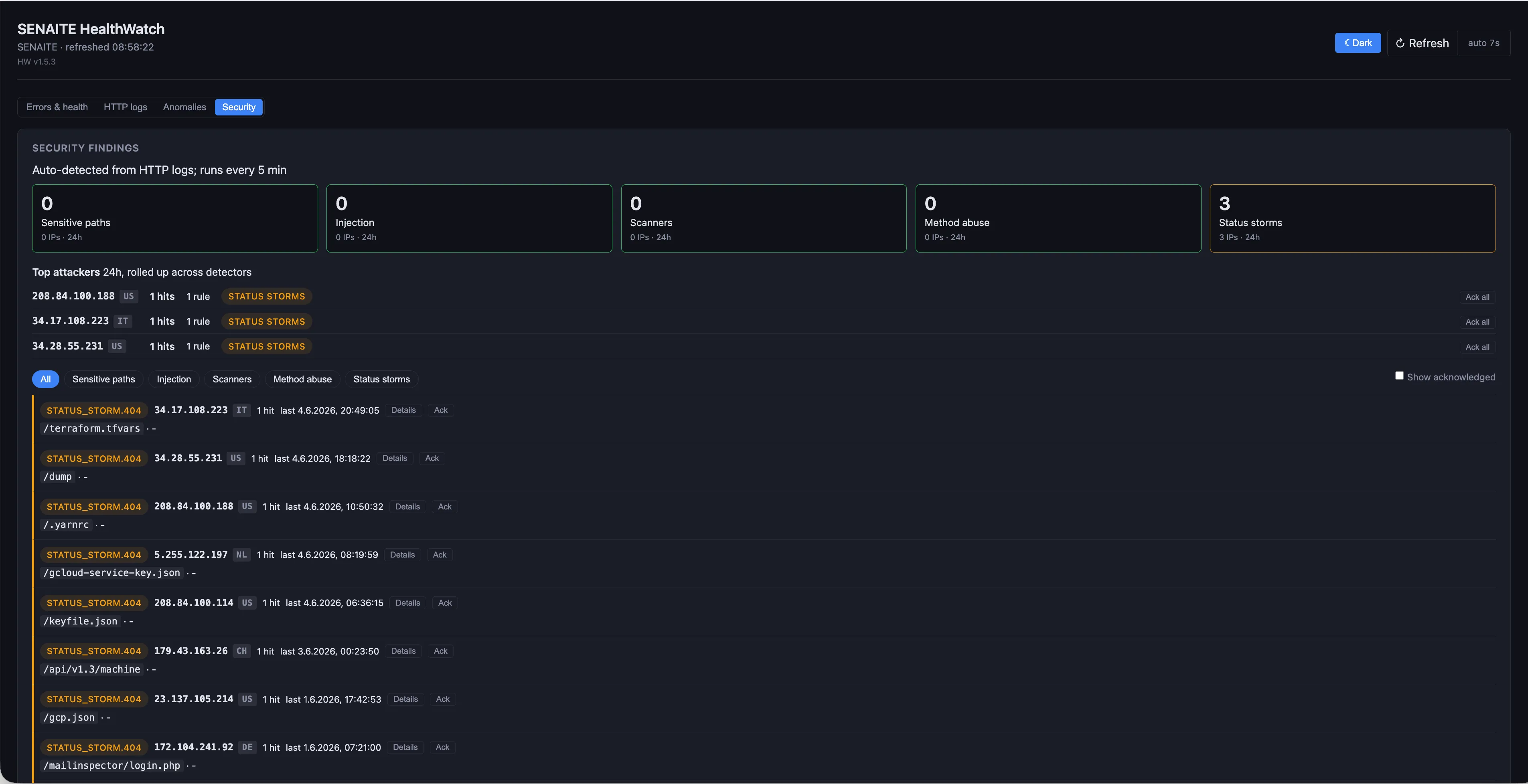
Each instance is probed every five minutes for availability and response time. The HTTP logs tab classifies every request from nginx and HAProxy by status, and lists the busiest sources and paths and the most recent error responses, so a regression can be traced without opening a log file.
Anomalies
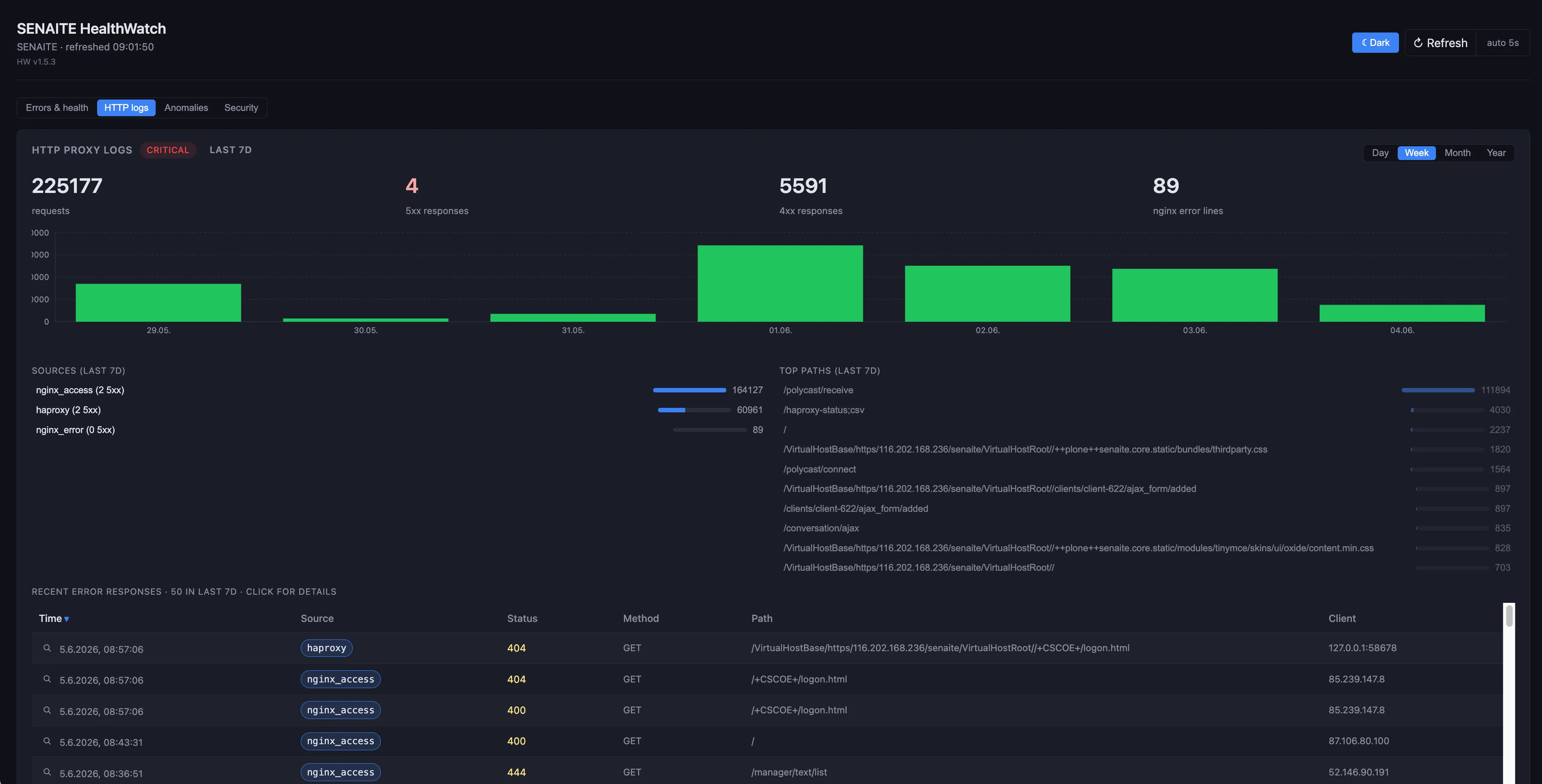
Some problems are not errors in the usual sense. The anomalies tab collects four kinds:
- Novel errors. A traceback whose signature has not appeared in the previous 30 days. A new kind of error after an update shows up on its first occurrence.
- Exhausted retries. SENAITE retries a request that ran into a write conflict. Only when all retries fail does the user see an error. HealthWatch records those cases per view.
- Slow endpoints. For each view, the 95th percentile of the response time in an hour is compared with earlier measurements of the same hour of the week. Monday morning is compared with Monday morning, not with Sunday night.
- Kernel events. Out-of-memory kills, I/O and file system errors, hung tasks, hardware errors reported by the machine.
Security
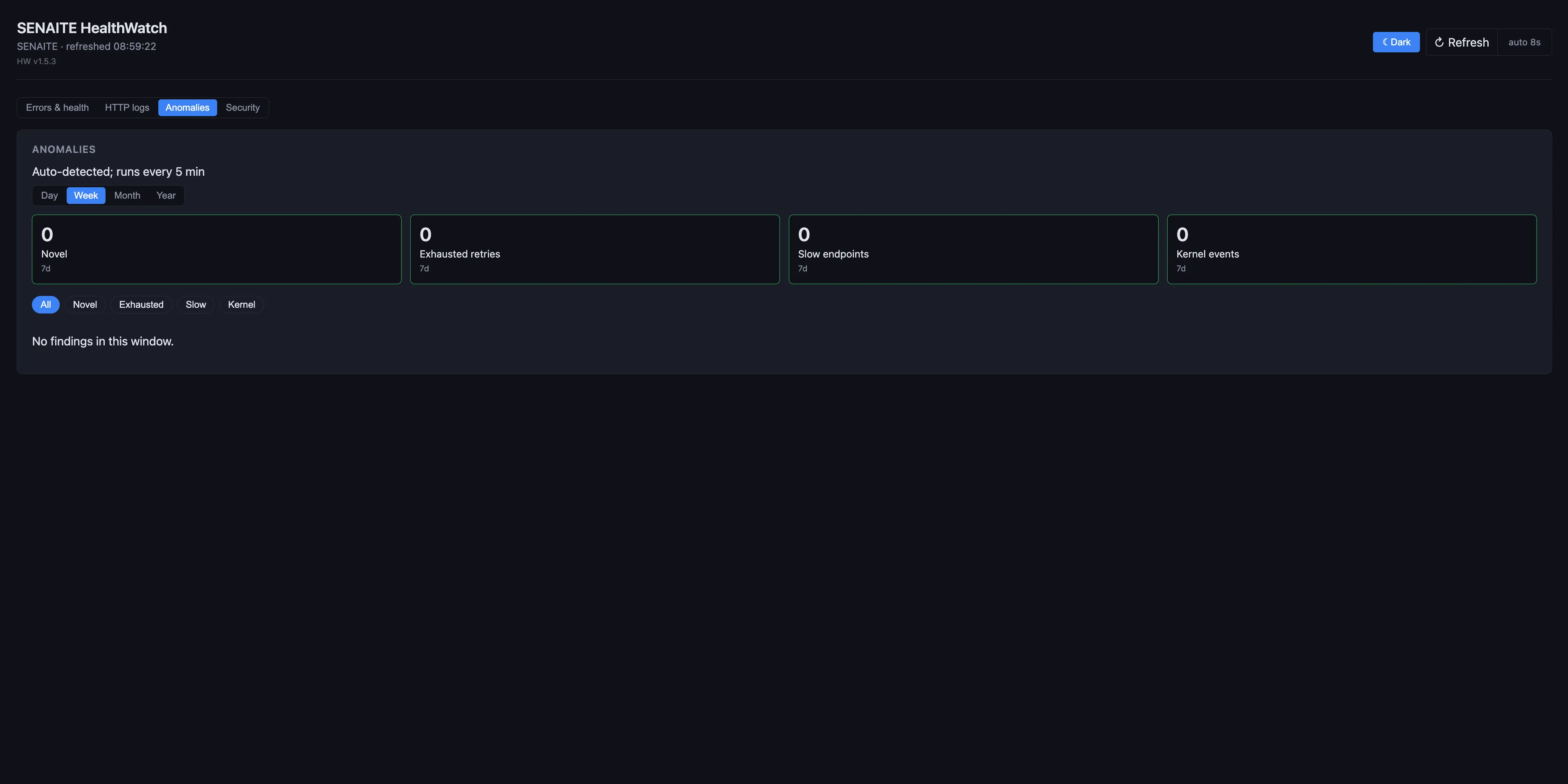
The security tab reads the same request stream and flags requests for sensitive paths, injection attempts, known scanner user agents, unusual HTTP methods, and bursts of 401, 403 or 404 responses from one address. The sources behind them are listed with their findings.
From alert to ticket
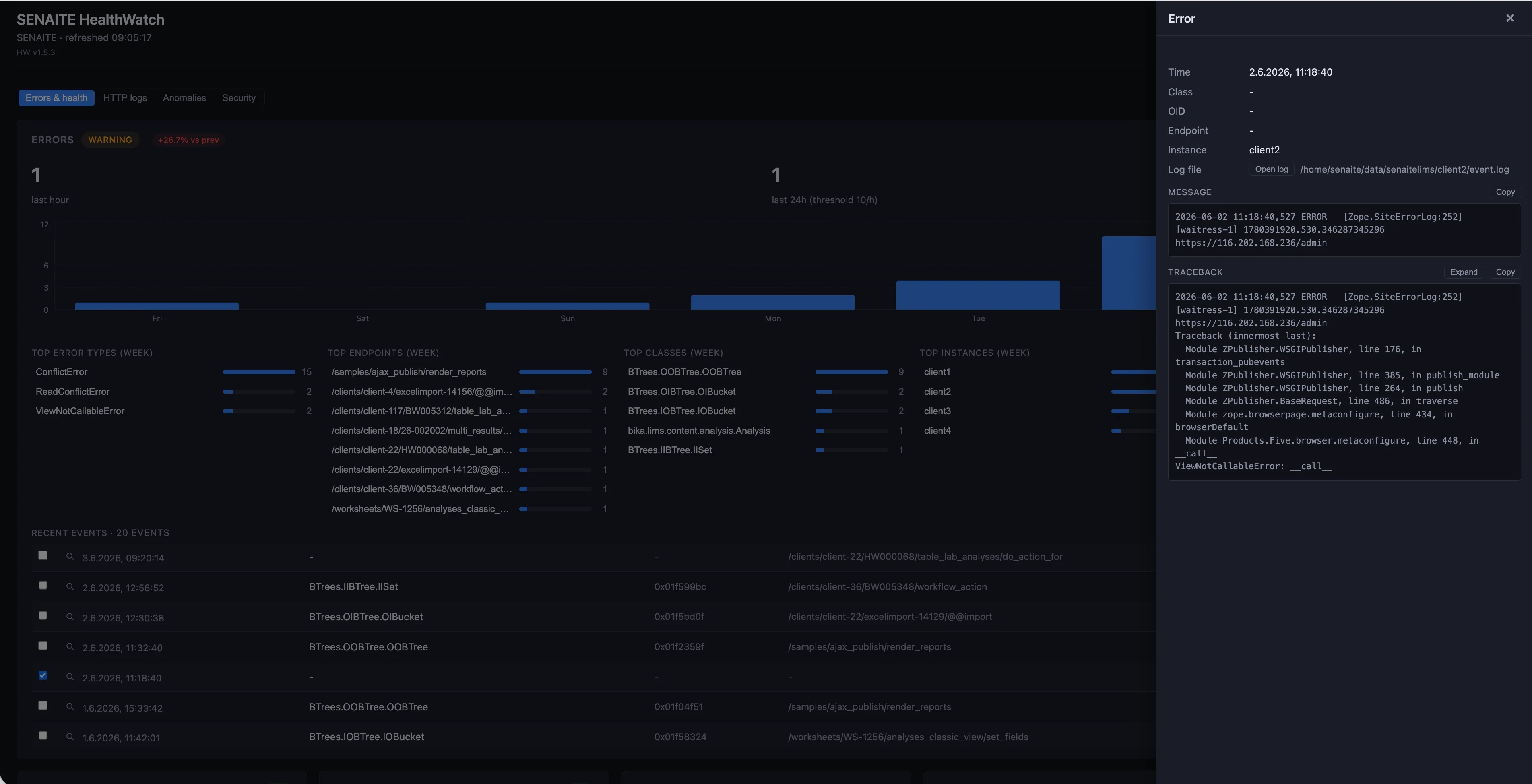
Clicking an event opens its full context: the error class, the view, the instance, the log file it came from, the message and the complete traceback. Message and traceback can be copied with one click into the ticket.
What it costs
Every SENAITE Care plan includes HealthWatch. Alerts go to our Zabbix instance and are handled within the working hours and response times of the plan. Professional adds a monthly health report as PDF, Enterprise weekly reports. Essential starts at EUR 300 per month.
If you want to know what we would find on your installation, get in touch. A one-time health check does not commit you to a plan.
Four checks for this week
Whether you use HealthWatch or not, these are worth doing on any SENAITE server:
- Read the output of your last pack. If you pack with
bin/zeopack, run it once by hand and read what it prints. AnEOFErroror aPOSKeyErrormeans the pack is not doing its job. - Compare the size of
Data.fswith three months ago. A pack that runs makes the file shrink now and then. If it only grows, the pack is not running or not working. - Check where the backups are. If they are on the same disk as the database, a disk failure takes both.
- Restore a recent backup on another machine. Open a sample with an attachment. This one takes an hour, and it is the only check that proves the backups are usable.