

Every SENAITE installation ships with a JSON API. It needs no add-on and no configuration, and it answers with the permissions the user has in the browser. This post walks through a first session against it: the requests you make in the first ten minutes, what comes back, and the mistakes that make an integration return nothing without saying why.
The examples use curl against a local instance. Replace the
host and the credentials with your own, and use HTTPS for
anything that is not your own machine.
The base URL
The API lives under the site, not under the server root:
http://localhost:8080/senaite/@@API/senaite/v1senaite is the ID of the site. Most installations keep it; if
yours was created under another name, that name goes there. The
quickest check that the URL is right is the version endpoint:
curl -u admin:admin \
"http://localhost:8080/senaite/@@API/senaite/v1/version"{"url": "http://localhost:8080/senaite/@@API/senaite/v1/version",
"date": "unreleased", "version": "2.7.0", "_runtime": 8.5e-05}Resources are type names
The first surprise for most integrators: resources are the
internal type names, lowercased. A sample is an AnalysisRequest
internally, so its resource is analysisrequest.
| What you want | Resource |
|---|---|
| Samples | analysisrequest |
| Analyses | analysis |
| Clients | client |
| Client contacts | contact |
| Sample types | sampletype |
| Worksheets | worksheet |
| Batches | batch |
/samples does answer, which makes the mistake easy to miss. It
returns a single item: the folder behind the samples listing, not
the samples.
A first listing
curl -u admin:admin \
  "http://localhost:8080/senaite/@@API/senaite/v1/analysisrequest?limit=2&fields=id,review_state"
{
"count": 52, "pagesize": 2, "page": 1, "pages": 26,
"next": "http://localhost:8080/senaite/@@API/senaite/v1/analysisrequest?fields=id%2Creview_state&limit=2&b_start=2",
"previous": null,
"items": [
{"id": "DW-0001", "review_state": "verified"},
{"id": "WW-0001", "review_state": "verified"}
]
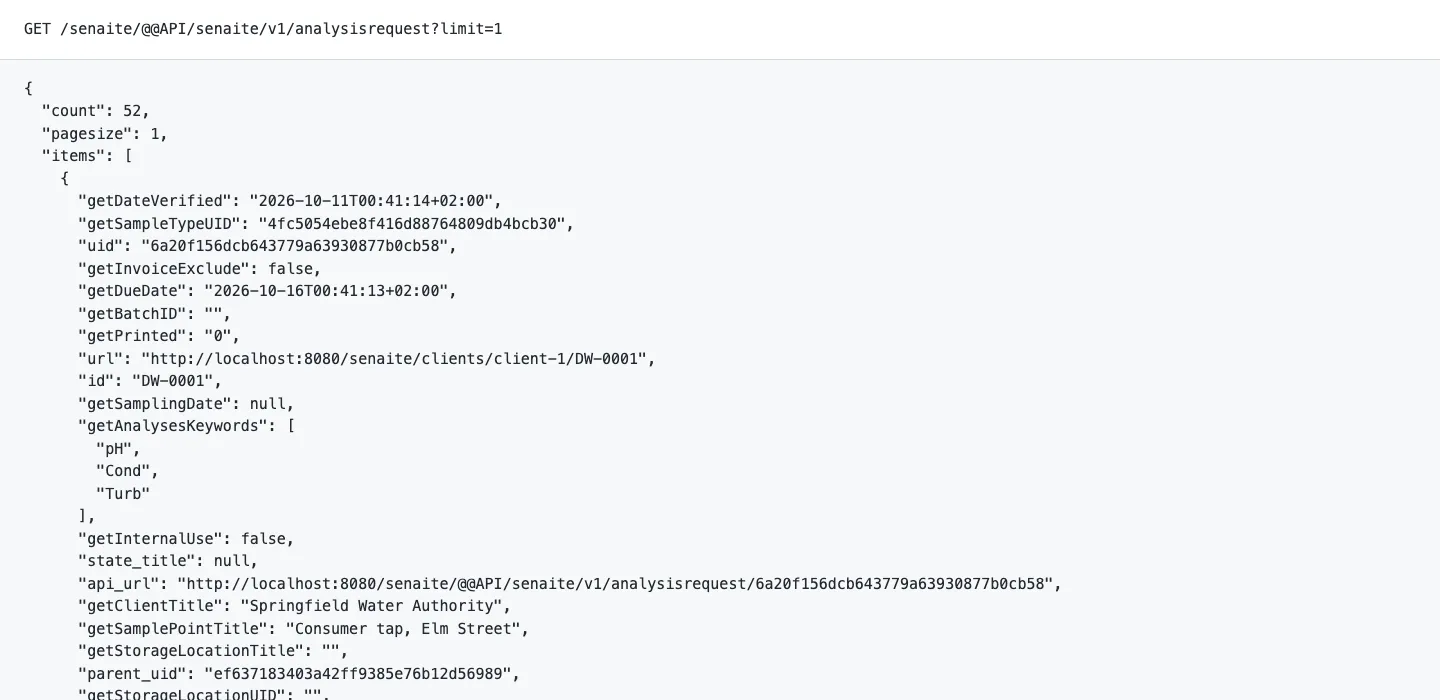
}count is the total number of matches, not the number of items
in this response. next is a ready-made URL for the following
page. The details are in the
pagination post.
fields limits each item to the keys you name. Without it, a
listing item carries around sixty keys: the metadata the sample
catalog stores, such as getClientTitle, getSampleTypeTitle,
getDateReceived, getDueDate and review_state. These come
straight from the catalog, so a listing stays fast on large
databases.
The full record
A listing item is a summary. For everything a sample knows, request it by its UID, the 32 character identifier every object keeps for its whole life:
curl -u admin:admin \
  "http://localhost:8080/senaite/@@API/senaite/v1/<uid>"
This returns the record itself, without the page envelope, with
around 140 keys for a sample. References to other objects come
back as small objects with uid, url and api_url, so a
client can follow them:
"SampleType": {
  "uid": "4fc5054ebe8f416d88764809db4bcb30",
  "url": "http://localhost:8080/senaite/setup/sampletypes/sampletype-1",
  "api_url": "http://localhost:8080/senaite/@@API/senaite/v1/sampletype/4fc5054ebe8f416d88764809db4bcb30"
}
Adding complete=yes to a listing returns full records for every
item. Combine it with a small limit: each item then loads the
object from the database instead of reading the catalog.
Filtering on indexes
Every index of the catalog behind a resource works as a query parameter. Samples that are received but have no results submitted yet:
".../analysisrequest?review_state=sample_received"Repeat a parameter to match any of several values:
".../analysisrequest?review_state=sample_received&review_state=to_be_verified"Other useful sample indexes are getClientUID,
getClientSampleID, getSampleTypeUID, getBatchUID and the
date indexes getDateReceived, getDateVerified and
getDueDate. The authoritative list comes from the API itself:
".../catalogs/senaite_catalog_sample"returns the catalog’s indexes and its metadata schema. For
free text, q searches the same text as the search box of the
samples listing: sample ID, client sample ID, client order
number, client reference, client name and ID, sample type, sample
point and batch ID.
The results of one sample
Analyses have their own resource and their own catalog. To get the results of one sample, filter on the sample ID:
".../analysis?getRequestID=DW-0001&fields=getKeyword,getResult,getUnit,review_state"{"count": 3, "items": [
{"getKeyword": "Turb", "getResult": "0.8", "review_state": "verified"},
{"getKeyword": "pH", "getResult": "7.4", "review_state": "verified"},
{"getKeyword": "Cond", "getResult": "342", "review_state": "verified"}
]}Results are strings, and an analysis without a result has an
empty one. If a service uses result options, the stored value is
the option’s value, not its text. A result below a detection
limit keeps its < or > in a separate field,
DetectionLimitOperand, in the full record. Read both before you
treat a result as a number.
Add workflow=1 to a single record request and the response
includes workflow_info: the current state and the transitions
the authenticated user may perform on the object right now.
Three silent failures
These three cause most of the “the API returns nothing” requests we get.
Wrong credentials do not fail. A request with a wrong
password, or none at all, gets HTTP 200 and an empty result,
because an anonymous visitor may see nothing. Your client reports
success and processes zero items. If count is zero where you
expect data, test the credentials before anything else.
Unknown parameters are ignored. A typo such as reviewstate
instead of review_state raises no error. The parameter is
dropped and you get every sample. The same happens when you
filter on a field name that is not an index, such as
DateReceived instead of getDateReceived. While developing,
compare count with what you expect.
The API sees what the user sees. Searches are filtered by the permissions of the authenticated user. A user linked to a client contact sees that client’s samples and nothing else, which is right for a customer portal and confusing for a nightly export. Give each integration its own lab user with the roles it needs, instead of a personal account.
Where the API comes from
The design is older than SENAITE. Before SENAITE existed, Ramon
Bartl wrote plone.jsonapi.routes, a JSON API for the content
management system SENAITE is built on. When SENAITE started in
2017, senaite.jsonapi was built on the same design; its
documentation says that it shares most of its software design
with plone.jsonapi.routes. That is why resources are content
type names, why filters are catalog indexes, and why the API sees
exactly what the user sees.
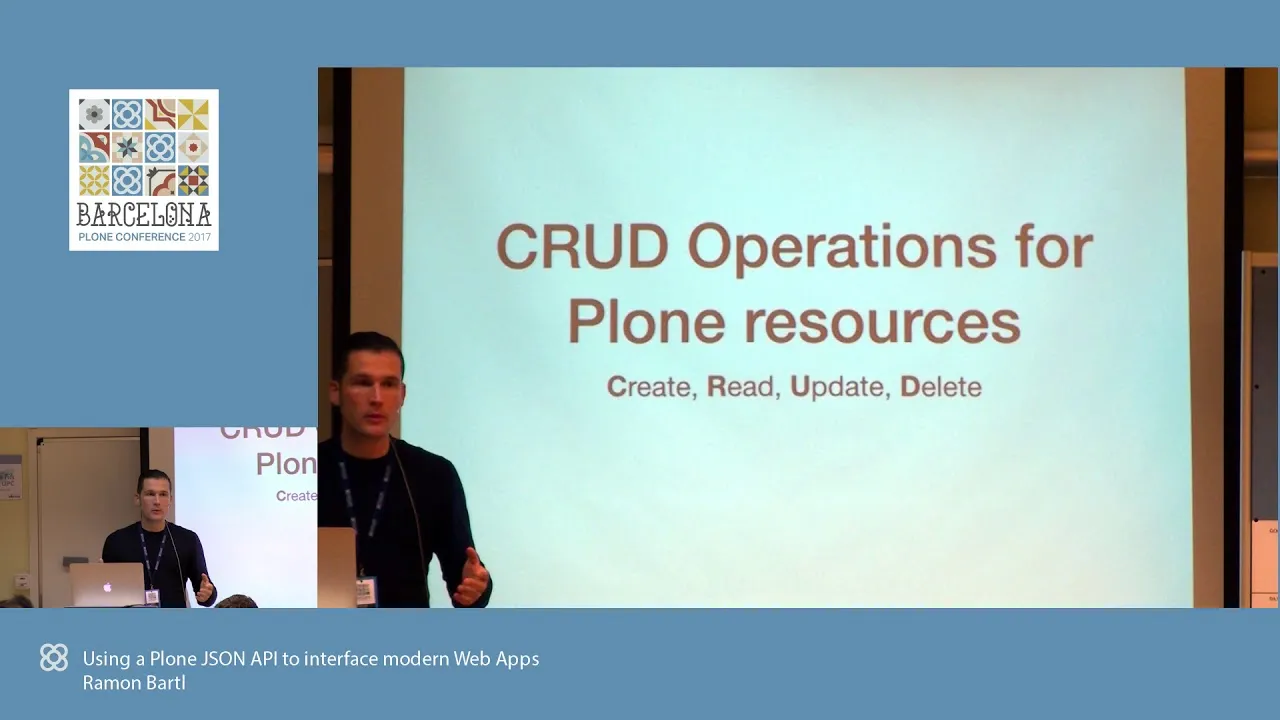
At the Plone Conference 2017 in Barcelona, Ramon showed the
concept in the browser: reading content, creating, updating and
deleting it, a JavaScript application that works over the API,
and how to extend it. The talk came shortly after the first
commit of senaite.jsonapi, and most of what it shows still
applies.
Loading this video will connect you to YouTube (Google LLC, USA) and transmit your IP address. By clicking play you consent to this transfer. See our privacy policy.
Where to go next
Reading is the safe half of the API. Creating samples, setting
results and running transitions use the same base URL with POST
requests, and they belong on a test system before they touch
production data. On the read side, the
pagination post
covers what every integration needs next, and
the catalog post
explains why some filters are fast and others do not exist.